How to Plan a Tattoo Popup at Your Event
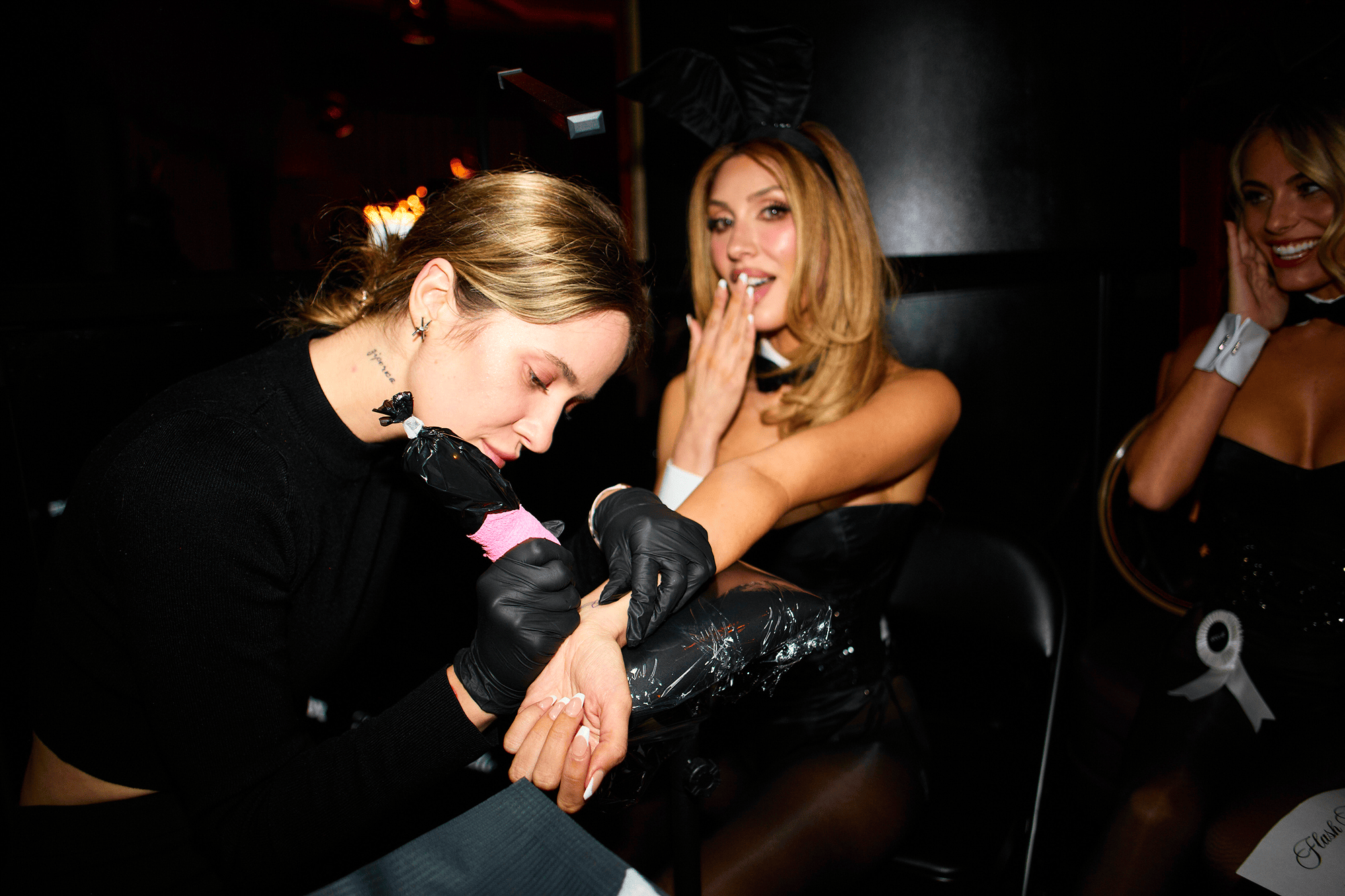
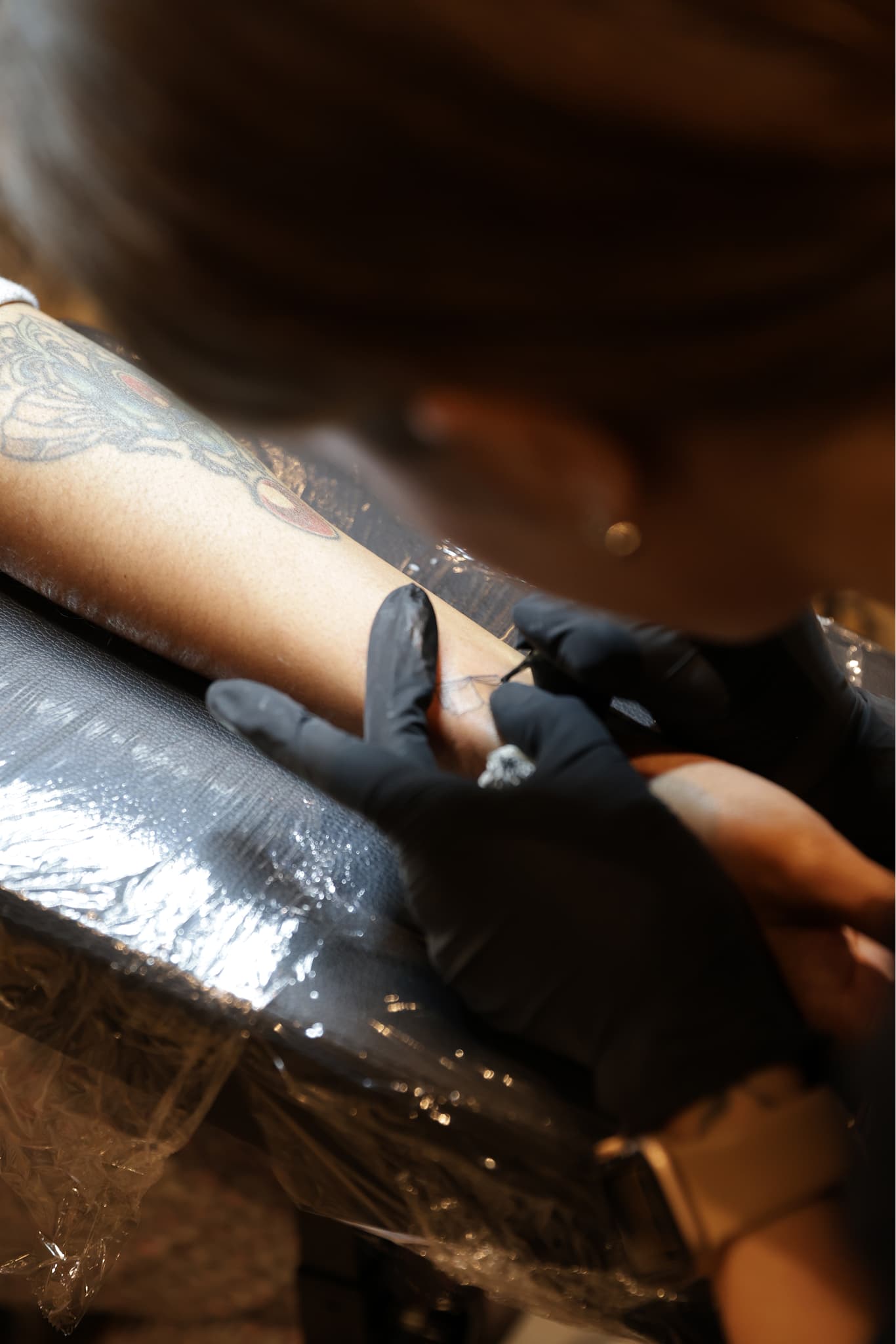
Most planners hear "tattoo station at my event" and picture a festival tent with a line around the block. That can happen — but a well-run popup is closer to a curated guest experience than a walk-up shop dropped in the corner.
Start with footprint and power
A standard activation needs roughly a 10×10 footprint, dedicated power, and a load-in window of 1–2 hours before doors. If your venue has tight load-in rules, flag that early. The crew handles setup, breakdown, and waste — you are not sourcing tables and extension cords the morning of.
Decide real tattoos, temp tattoos, or both
Not every guest wants permanence. Many events run a real tattoo station alongside a temporary option so curious guests still participate. That split also helps when demand spikes: the temp line keeps moving while the real station runs at capacity.
Build the flash sheet before the event
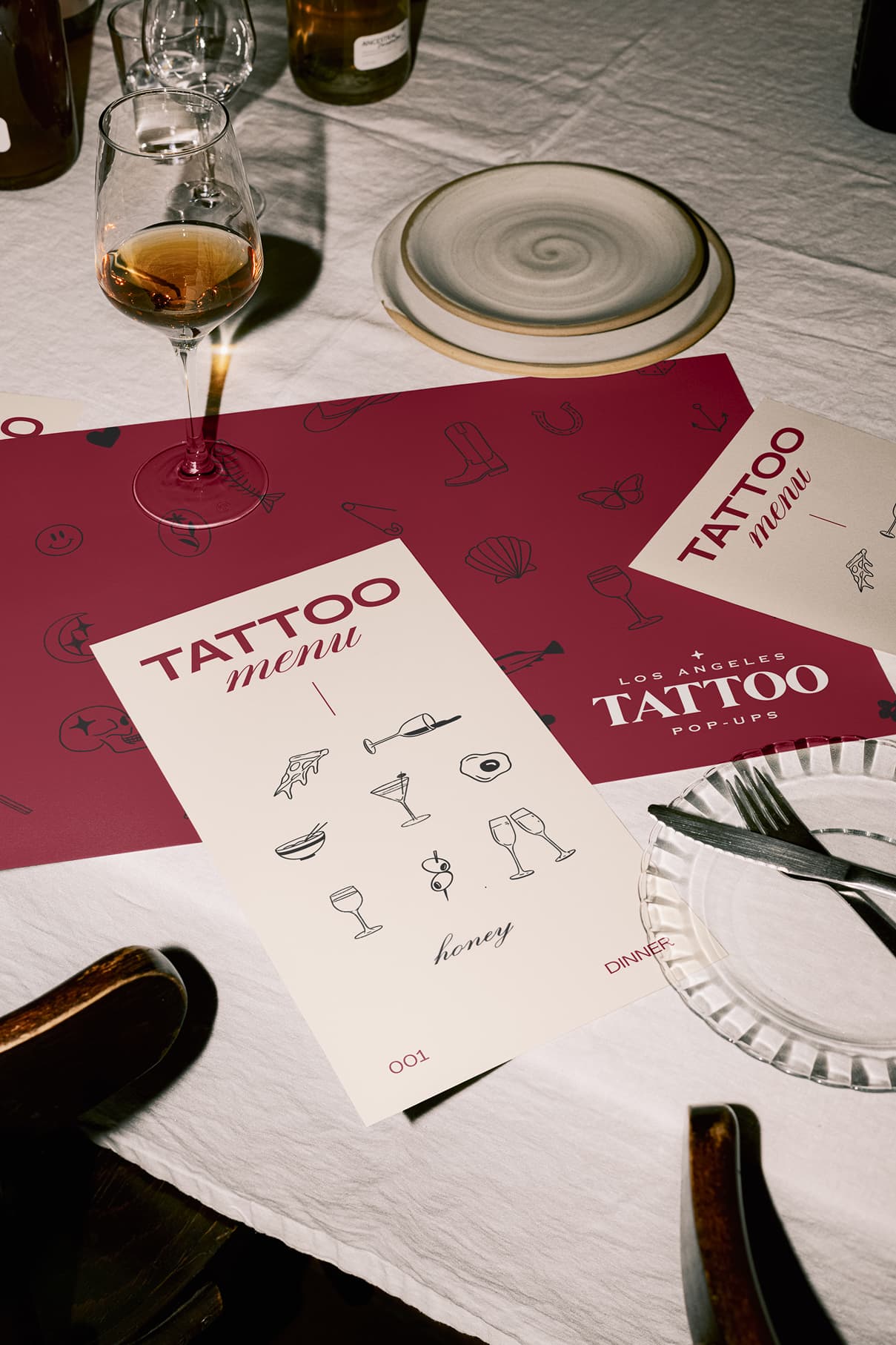
Custom flash is not optional for a branded activation. Designs should match the event aesthetic — not generic clip art with a logo slapped on. Plan for 8–15 walk-up designs plus room for small custom requests if the schedule allows.
Guest flow matters more than station count
Check-in, waiver, ID verification, design selection, tattooing, aftercare — that sequence needs a host who owns the line. A 4-person crew is the baseline: coordinator, artist, assistant, and support. Solo artists are not how we operate at events.
What to ask any provider
Licensing for the jurisdiction, COI naming your venue, sterilization standards, age verification policy, and what happens when the line exceeds capacity. If those answers are vague, the activation will feel vague on the day.
Ready to scope one for your date? Tell us about the event — venue, guest count, and timeline are enough to start.
Short heading goes here
Lorem ipsum dolor sit amet, consectetur adipiscing elit.